
The challenge
A file upload is only the beginning.
Spreadsheet-driven data intake needed more than a file upload. Different workbook paths needed controlled checks, understandable feedback and a dependable handoff to enterprise data processing.
Workflow & data automation
Self-service spreadsheet intake, controlled validation and Snowflake ingestion using reusable workflow patterns and operational feedback.
The challenge
Spreadsheet-driven data intake needed more than a file upload. Different workbook paths needed controlled checks, understandable feedback and a dependable handoff to enterprise data processing.
The delivery work
The outcome
Delivered self-service validation and ingestion workflow components, with operational feedback, reconciliation and workbook-path-specific testing.
Try a small example
Choose a fictional workbook and run a few real browser-side validation checks. The example does not connect to Snowflake or run a client Flow.
| Row | Item | Region | Effective date | Amount |
|---|
Select an example, then run validation.
Fictional data. Validation runs in your browser; no information is uploaded or ingested.
A simplified illustration of the intake, processing and feedback pattern.
Select a step to explore
A consistent workbook format gives validation a clear starting point.
Simplified process illustration—not a Power Automate designer screenshot or the full client workflow.
Continue exploring
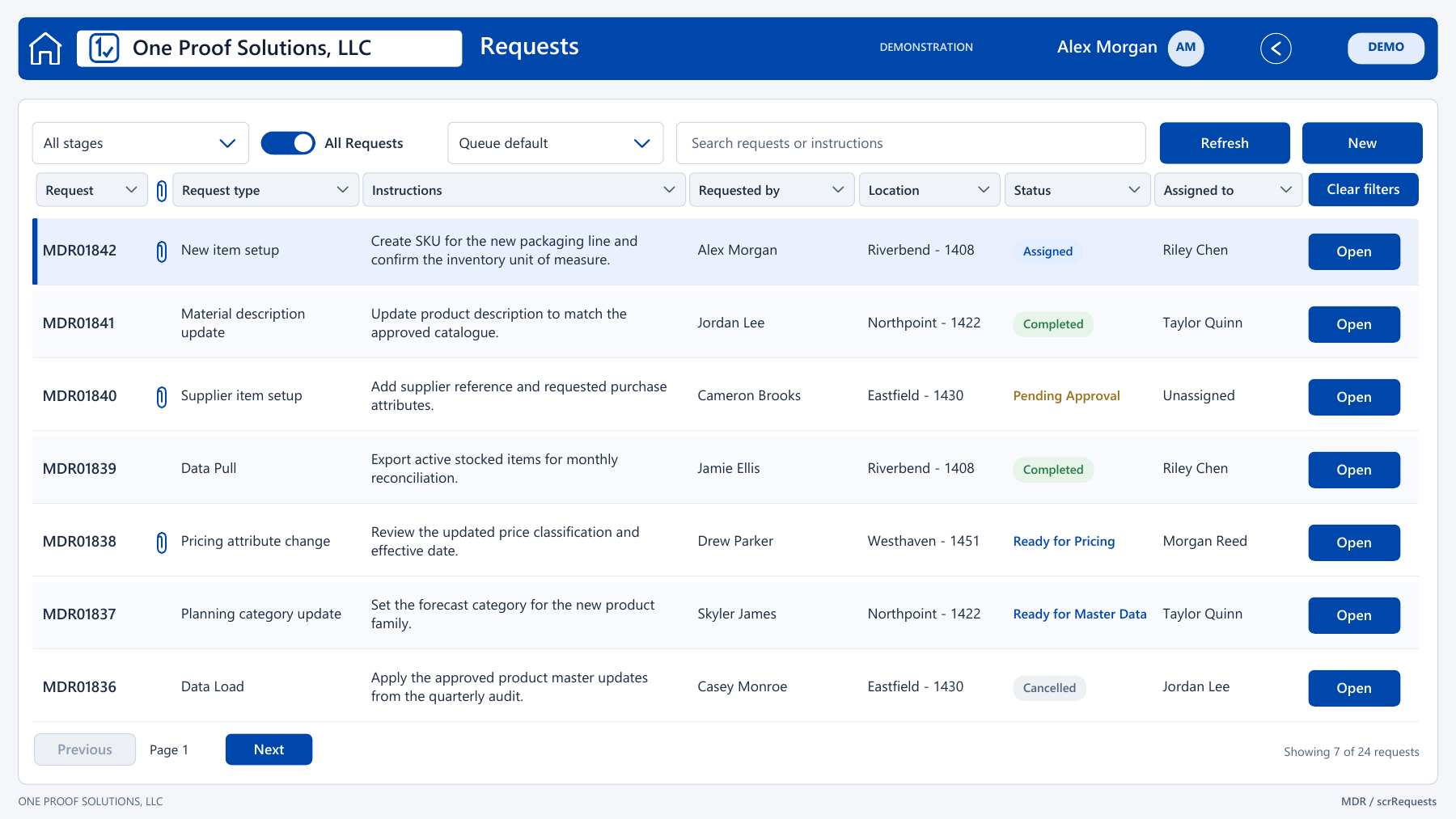 Illustrative interface
Business applications
A Power Apps and Azure SQL replacement for a legacy SharePoint and InfoPath request process, shaped around business rules and stakeholder requirements.
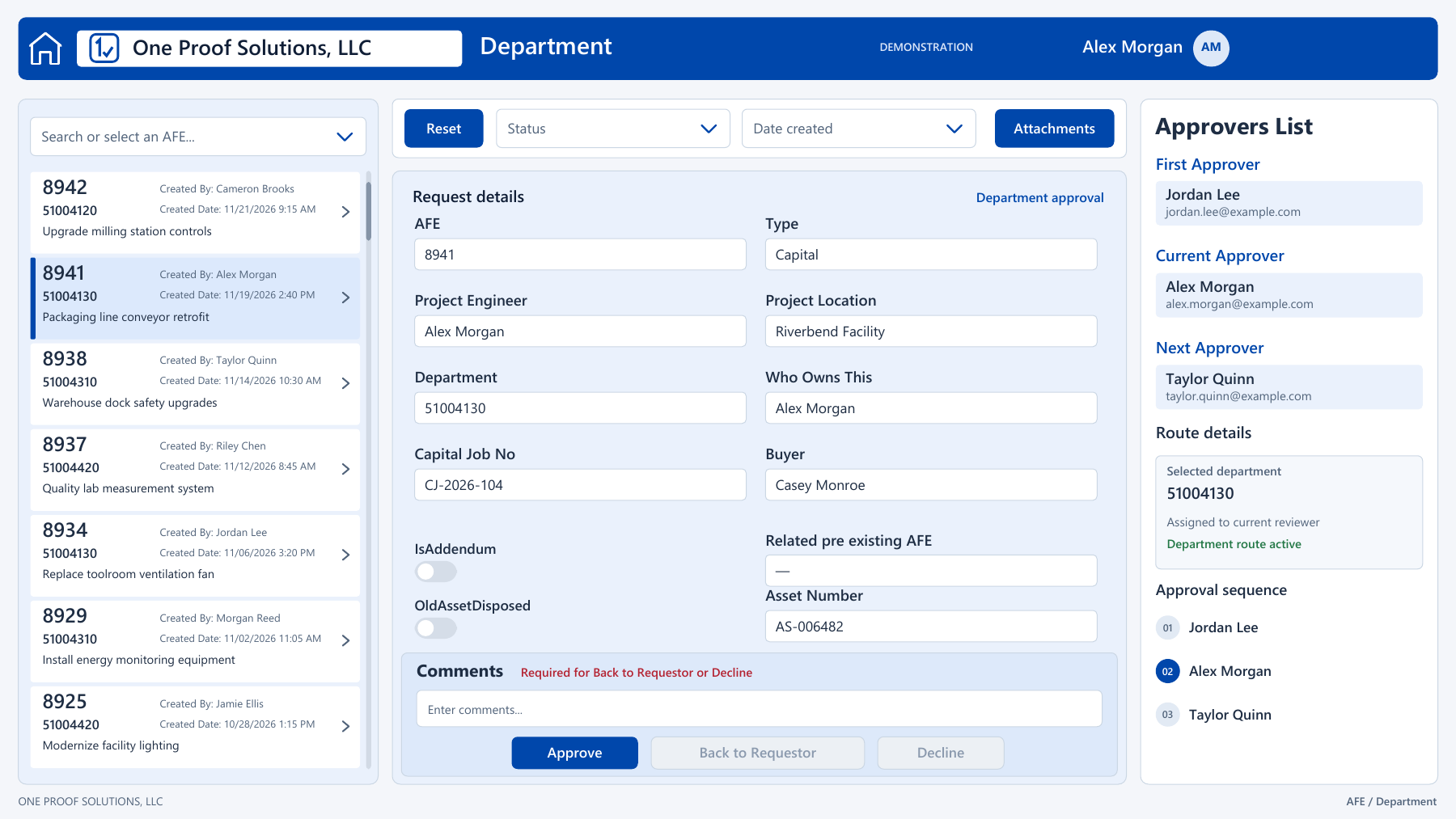 Illustrative interface
Business applications
Reverse engineering, completion and enhancement of an unfinished expenditure application spanning Power Apps, Power Automate and Azure SQL.
Let’s talk about your project
Tell me where the work gets stuck. We can discuss the requirements, constraints and a practical next step.